

Not just what was said. What it means for the project.
AI meeting summary tool for project updates and action items
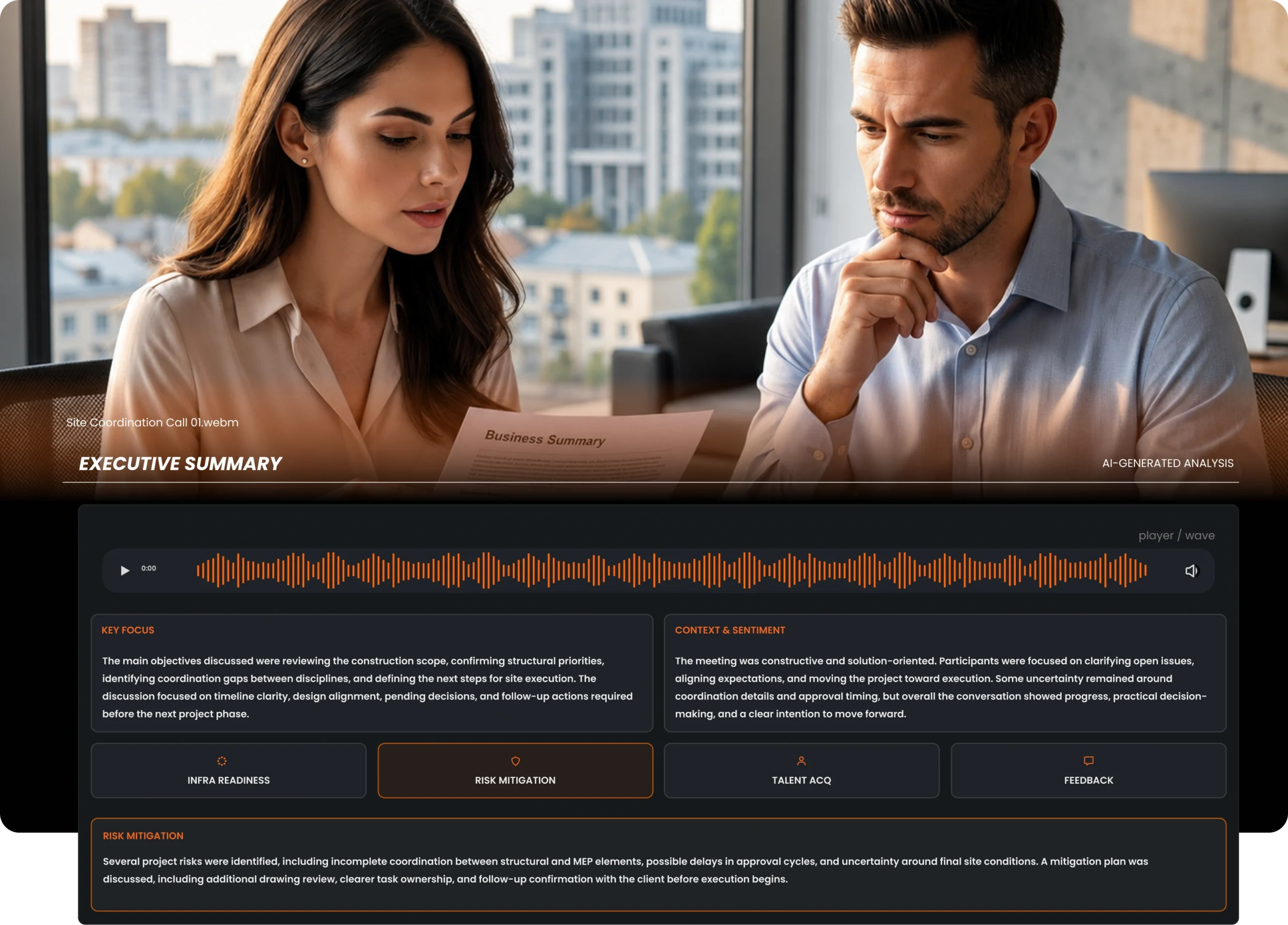
After every recorded meeting, J.O.T AI generates a structured Executive Summary — with Key Focus, Context and Sentiment, Risk Mitigation, Infrastructure Readiness, Talent signals, and Feedback. Not a wall of text. A structured brief your whole team can act on.
What is an AI meeting summary —
and what does J.O.T produce?
An AI meeting summary is a structured overview of a recorded meeting — generated automatically by artificial intelligence after the recording uploads. Instead of someone typing up meeting minutes or copying transcript snippets into a document, J.O.T AI processes the full recording and produces organized output that is ready to use immediately.
A brief, not a document
A structured Executive Summary a project manager can read in three minutes and understand the full picture of what happened.
Six intelligence dimensions
Key Focus, Context & Sentiment, Risk Mitigation, Infrastructure Readiness, Talent signals, and Feedback — all analyzed automatically.
Linked to the source
Every section connects back to the recorded meeting — so any analysis point can be verified against the actual conversation.
However, J.O.T AI’s meeting summary goes further than most. It does not produce a text recap of what was said. Instead, it analyzes the meeting across multiple dimensions and surfaces what the project team needs to know — what risks were flagged, where the project can and cannot move forward, and what needs to happen next.
AI meeting summary vs meeting minutes —
why the format matters
Traditional meeting minutes are a linear record — who attended, what was said, what was decided. They are useful as an archive. However, they are not designed to drive project action.
Traditional meeting minutes
- Sequential record of what was said
- Someone writes it up after the call
- Useful as an archive, not as a project tool
- Does not surface risks, gaps, or priorities
J.O.T AI meeting summary
- Structured around what the project team needs to do next
- Generated automatically after the recording uploads
- Built for execution — not documentation
- Six intelligence dimensions analyzed in every session
A project manager can read the J.O.T AI summary and immediately know what to address today, what to flag for review, and what to watch over the next two weeks. As a result, this is the difference between documentation and intelligence.
Unlike a generic ai meeting minutes generator that produces a linear log of what was said, J.O.T AI organizes the output around the dimensions that drive project decisions — risks, blockers, action items, and team dynamics. The meeting becomes a structured brief, not an archive.
Inside the J.O.T AI Executive Summary
Every J.O.T AI meeting summary is organized into six structured sections. Together, they give project managers a complete picture of what happened — and what to do next.
Dimension 01
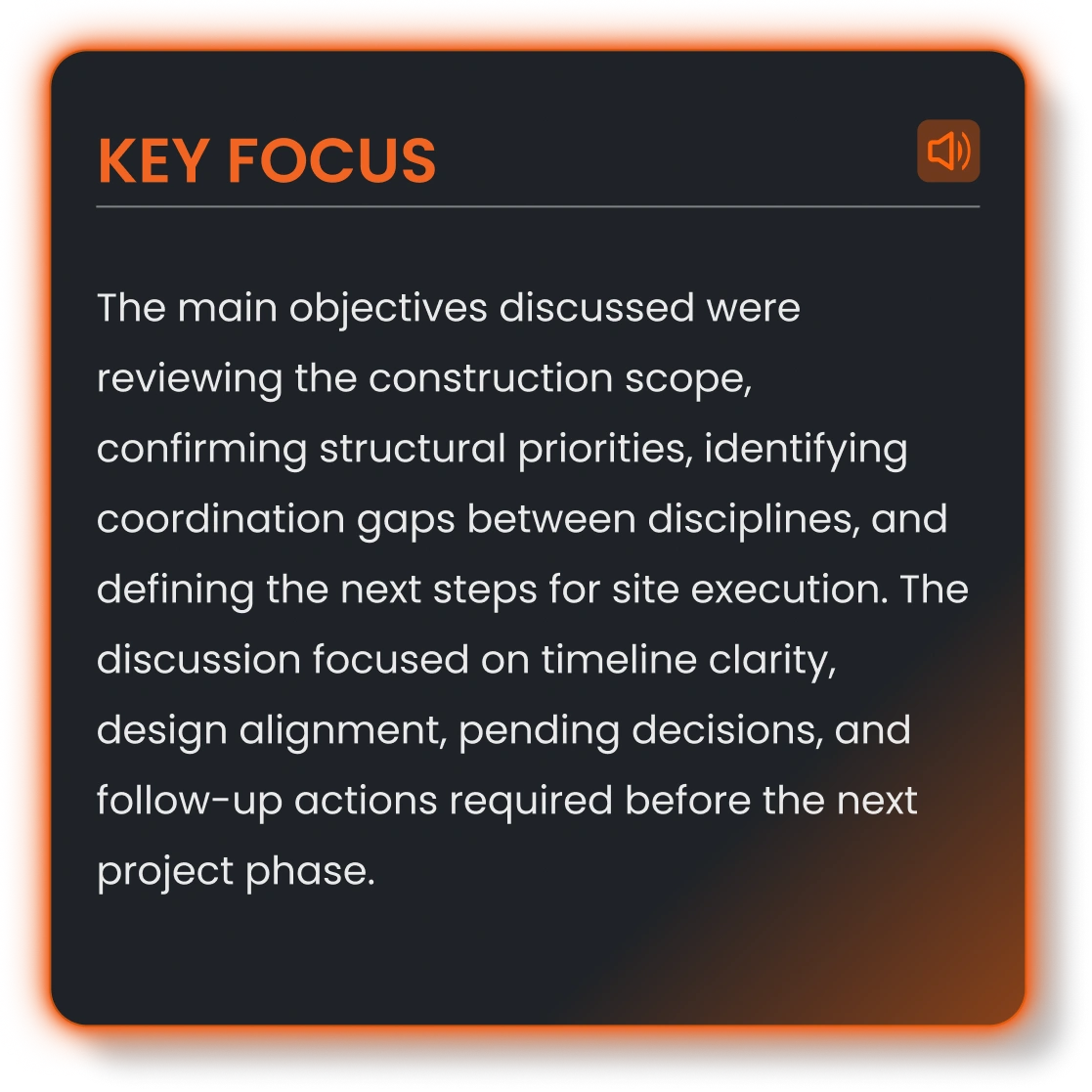
Key Focus
A concise statement of what the meeting was primarily about — the central theme or problem that dominated the discussion. For a project team, this answers the first question after any call: what was this actually about?
Dimension 02
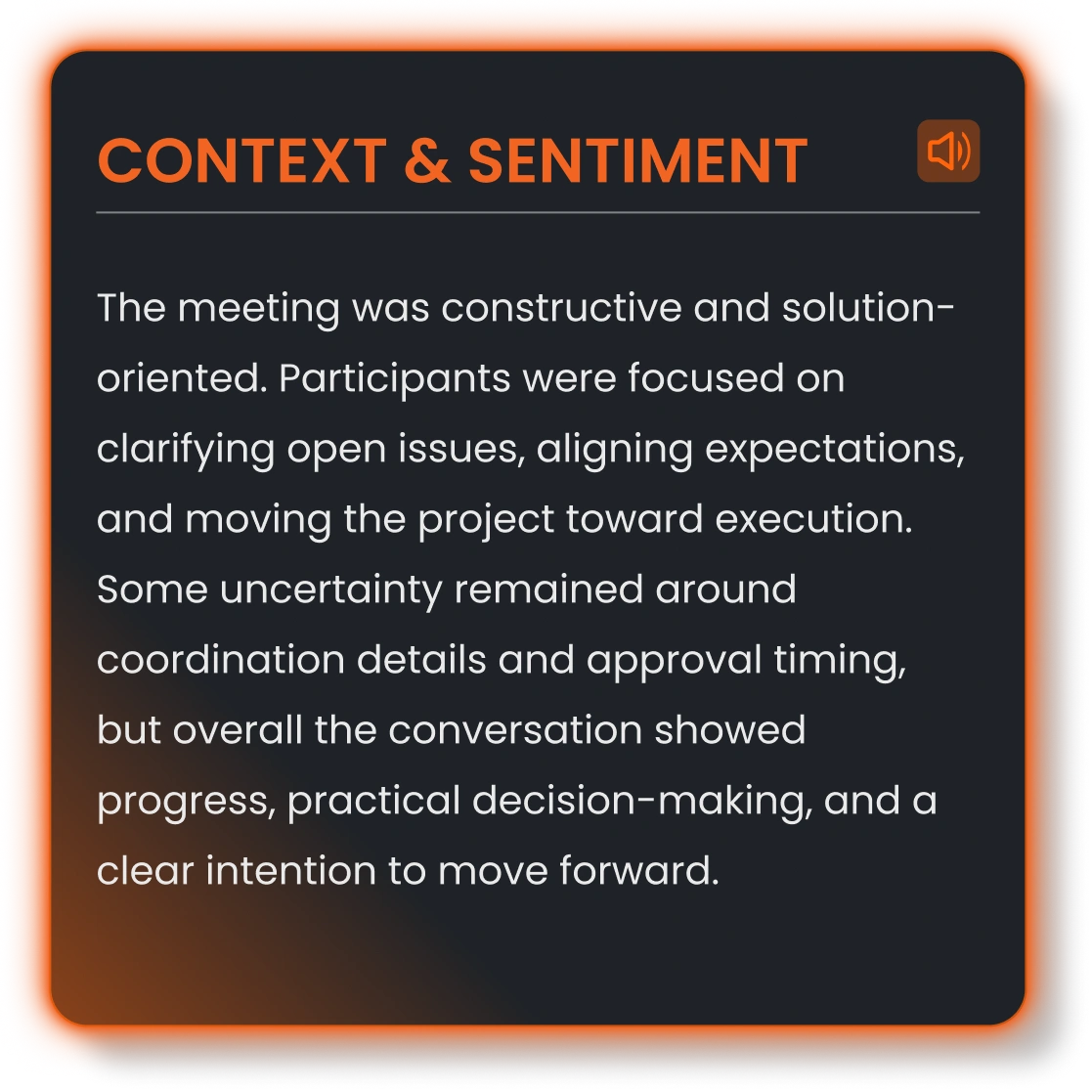
Context & Sentiment
An analysis of the tone and dynamics of the conversation — whether the discussion was instructional, conflicted, exploratory, or uncertain. This helps project managers understand not just what was decided, but how it was decided.
Dimension 03
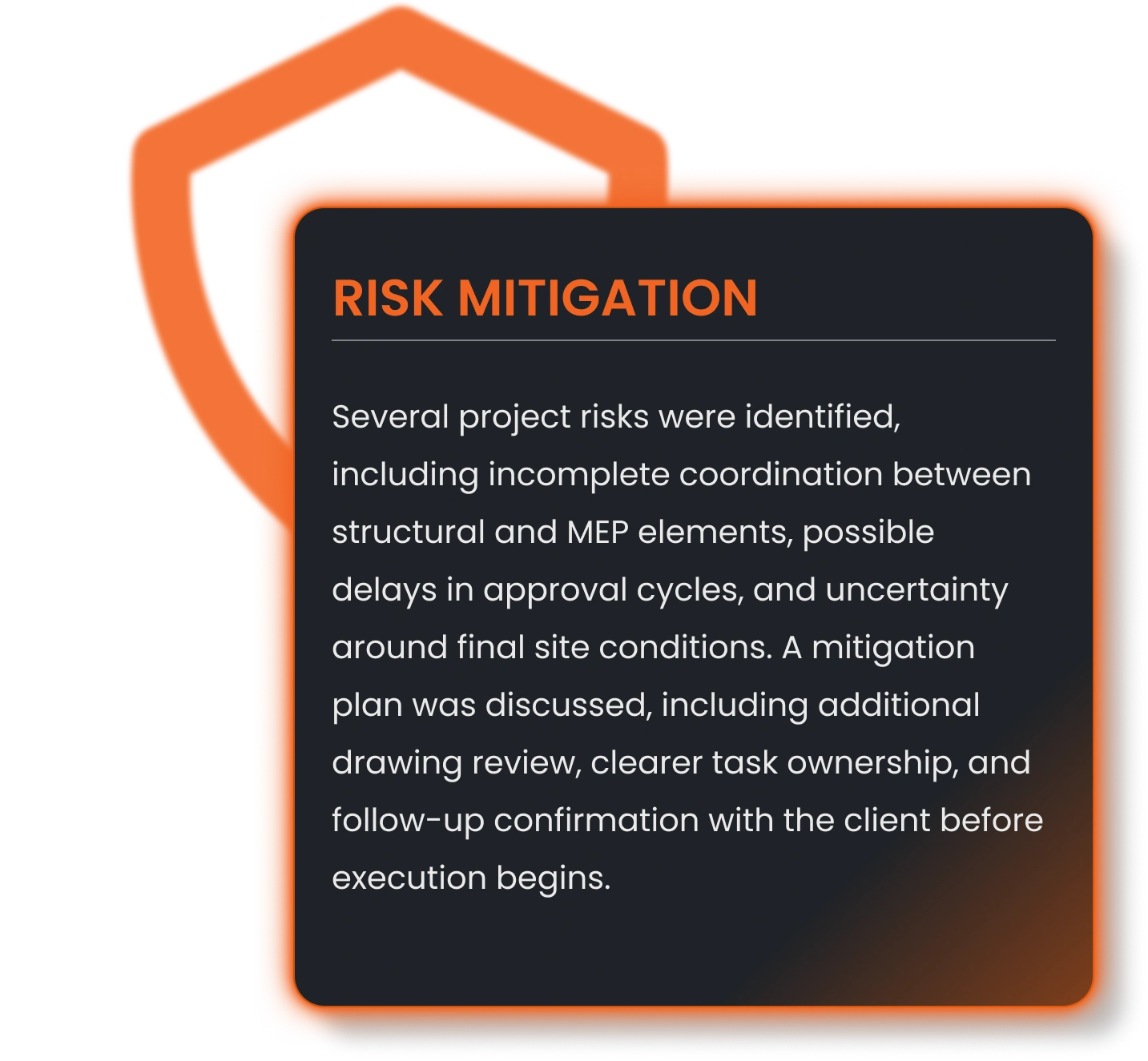
Risk Mitigation
Specific risks identified in the meeting, with the mitigation approach discussed or proposed. Includes risk description, whether a plan exists, and the recommended next step. Additionally, risk severity is indicated where signals are present.
Dimension 04
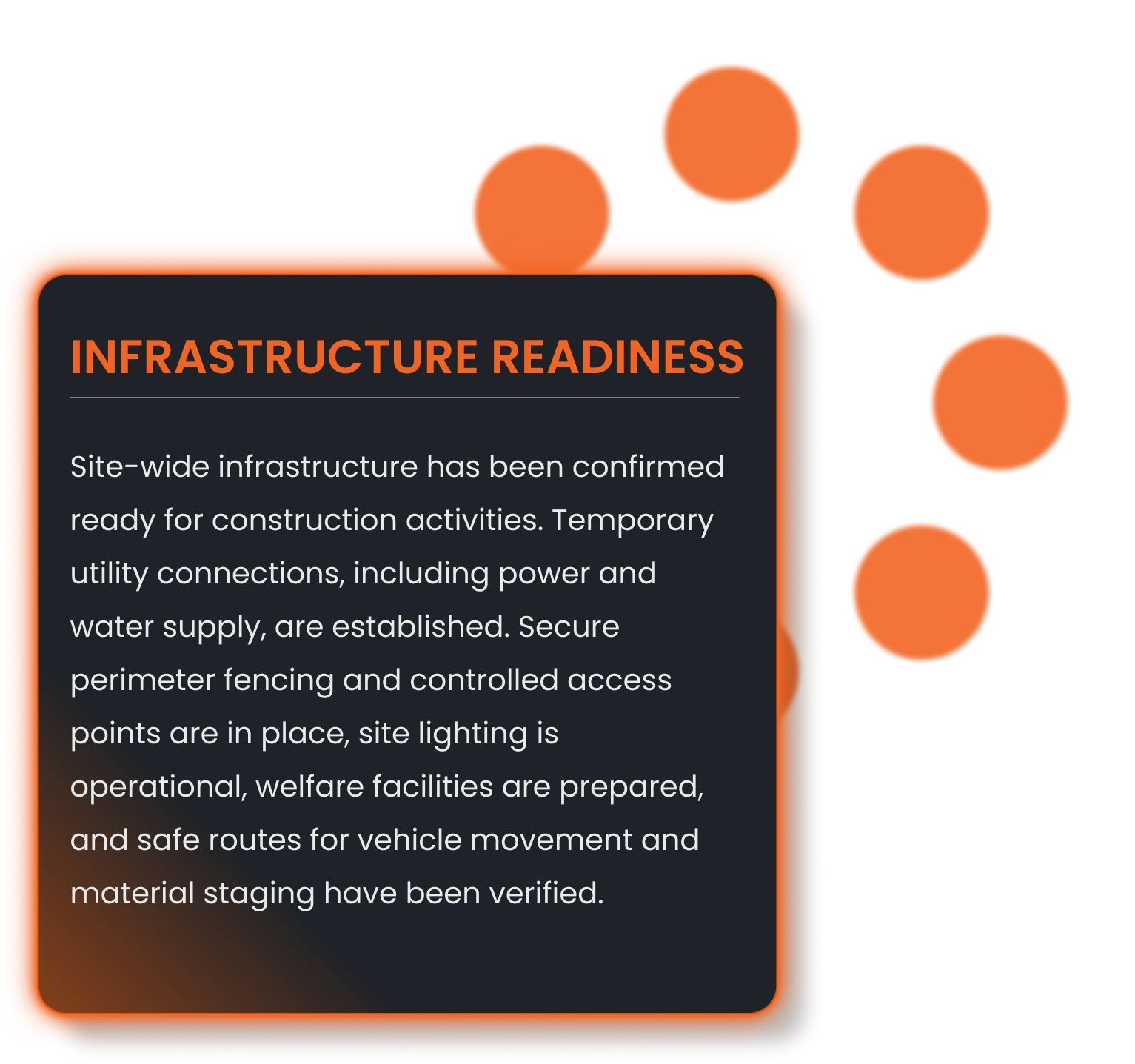
Infrastructure Readiness
Analysis of whether the project's technical or operational setup is ready to support the work discussed. J.O.T AI identifies gaps and readiness levels — partial, ready, or not ready — based on what was said in the meeting.
Dimension 05
Talent Acquisition signals
Identifies whether the meeting surfaced any gaps in team capacity, skills, or resource availability. For project managers running technical teams, this catches the "we don't have someone for this" moments that often slip through unactioned.

Dimension 06
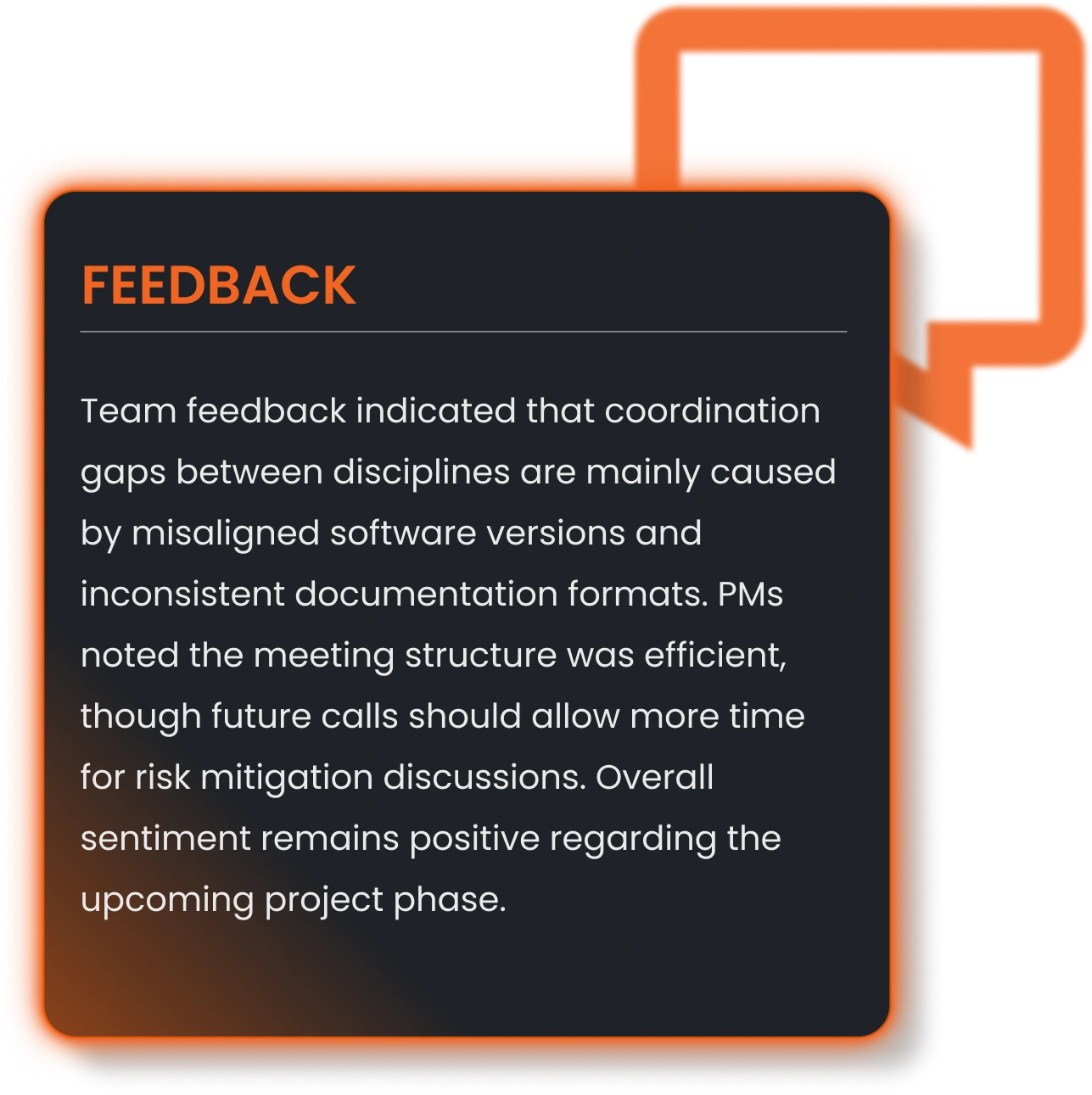
Feedback
Captures explicit or implicit feedback signals from the session — reactions, pushback, or validation on the topics discussed. Consequently, client-facing meetings and design reviews become searchable for how people responded, not just what was said.
Full transcript with speaker attribution and timestamps
Executive Summary
Alongside the Executive Summary, J.O.T APP provides a complete transcript of the recording — every word attributed to the speaker who said it, with timestamps for each segment. The transcript is available in multiple languages and can be searched at any time from inside the project.
Full context
For team members who were not on the call, the transcript gives full context without a recap meeting. For project managers reviewing a decision weeks later, the transcript gives the exact words and the moment they were said.
Ask AI Assistant
Additionally, the J.O.T AI Assistant is available in the right panel — anyone can ask questions about the meeting in natural language and get an AI-generated answer grounded in the transcript.
An AI meeting summary tool
built for structured project intelligence
J.O.T AI is an AI meeting summary tool built for structured project intelligence, not just shorter transcripts. It turns every meeting into a project-ready brief organized around what actually affects execution: risks raised and mitigation plans, infrastructure readiness, team or client feedback, and the constraints or decisions that determine next steps. For technical teams in engineering, architecture, and operations, this means meetings become clear execution intelligence, not another document quietly buried in the digital graveyard.
See what J.O.T AI extracts
from your next project meeting
Six structured intelligence dimensions. Risks surfaced. Action items identified. All from the recording — before you've written a single line of notes.
Help Center
Frequently asked questions
Quick answers to questions you may have. Can't find what you're looking for? Check out our full documentation.
J.O.T AI generates an Executive Summary that includes six structured sections: Key Focus (what the meeting was primarily about), Context & Sentiment (tone and dynamics analysis), Infrastructure Readiness (technical and operational gaps identified), Risk Mitigation (risks raised and mitigation approaches), Talent Acquisition signals (capacity or skills gaps mentioned), and Feedback (participant responses and reactions). A full transcript with timestamps and speaker attribution is also provided.
Meeting minutes are a sequential record of what happened. J.O.T AI's summary, by contrast, is structured around what the project team needs to know and do next. Unlike a traditional ai meeting minutes generator that logs the conversation in order, J.O.T AI produces six structured intelligence dimensions — Key Focus, Context & Sentiment, Risk Mitigation, Infrastructure Readiness, Talent signals, and Feedback — each organized around project execution, not chronology.
Yes. The J.O.T AI Assistant is available in the right panel of the meeting summary view. You can ask questions about the meeting in natural language — "what risks were identified?", "who is responsible for the infrastructure check?" — and receive AI-generated answers grounded in the transcript. The assistant has full context of the recording.
J.O.T APP supports transcript display in multiple languages including English, Ukrainian, Hebrew, Italian, Spanish, French, German, Polish, Greek, and Azerbaijani. Additionally, the transcript language can be switched after the recording is processed — without re-uploading.
The AI summary is generated automatically after the recording uploads to J.O.T APP. Processing time depends on recording length — however, the summary is typically available within minutes of the upload completing.
J.O.T AI transcribes with speaker attribution — it identifies who said what based on the audio. Speakers can be reassigned in the interface if the automatic attribution needs correction. Furthermore, the transcript supports multiple languages, with the ability to switch the display language after the recording is processed.
Drop us a line.
We'll hear from you soon.
Need a quick question answered? Our support team is available to answer any queries seven days a week.
Contact information:
Email: appjot@jot-s.com