Sprint Report
A clear summary of one focused week of work
Sprint Reports in the J.O.T APP turn a completed sprint into a structured overview of progress, time, and results.
They help managers understand what was delivered, how the team performed, and what should happen next — all in one place.
Turn complex work into
clear execution
Work, not assumptions
What the team worked on
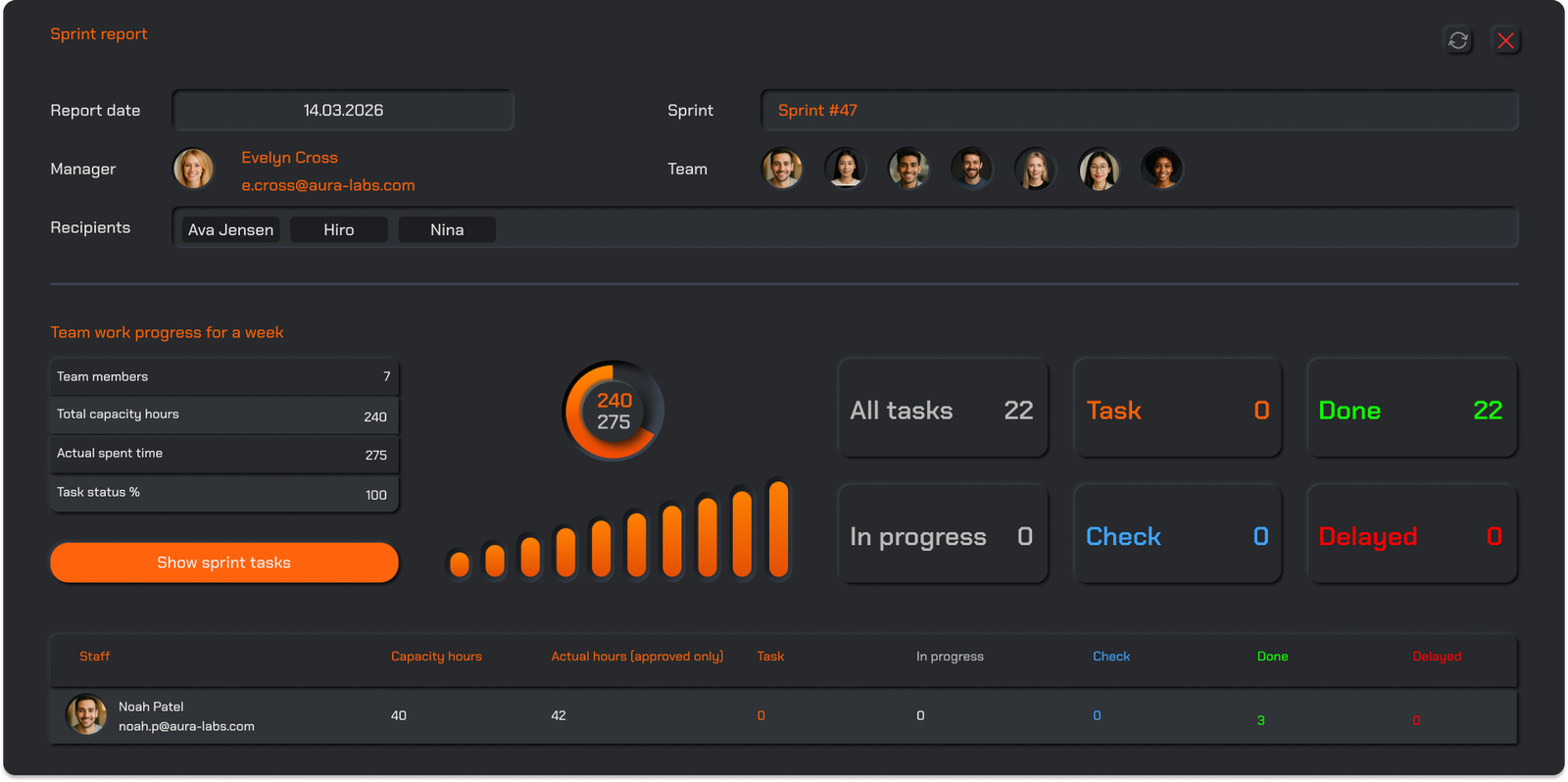
Each Sprint Report shows the exact tasks the team worked on during the week. You can see what was planned, what was executed, and what remained unresolved. Task statuses clearly indicate completed work, ongoing items, and delays — removing guesswork from weekly progress reviews.
Effort made visible
Time and individual contribution
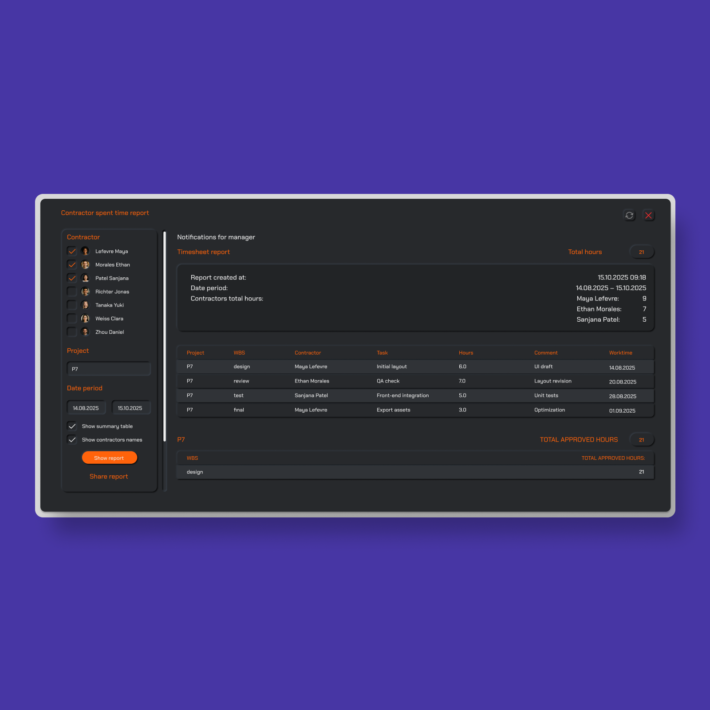
Sprint Reports reveal how much time was spent on each task and how that effort was distributed across the team. Managers can instantly see individual contributions, compare planned capacity with actual hours, and understand where time was invested during the sprint.
Good management doesn’t come from more data— it comes from seeing the right data at the right moment.
The full context matters
Files, links, and real proof of work
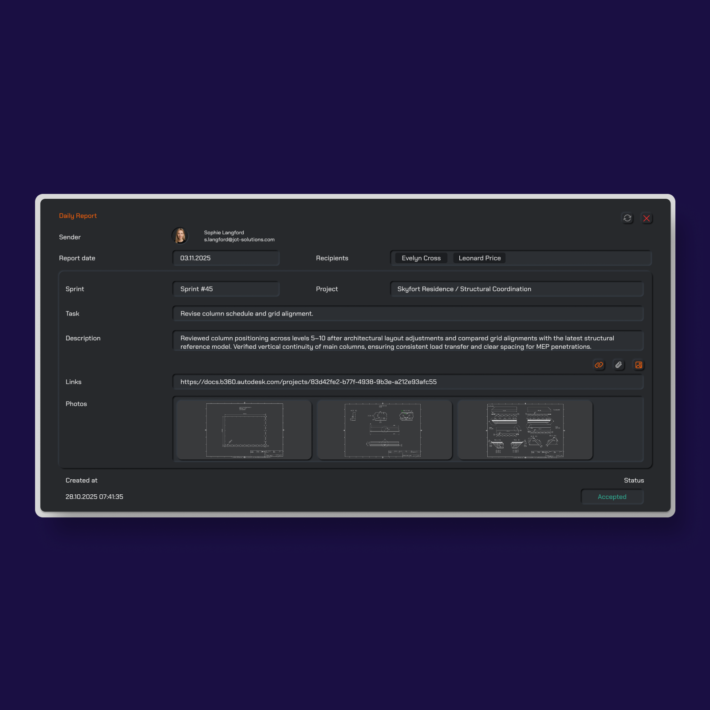
Sprint Reports include all supporting materials related to the sprint: attached files, links, images, and additional references. This creates a complete picture of what was delivered and how decisions were made—without searching through chats, emails, or external tools.
Looking forward, not only back
Planned tasks for the next sprint
Sprint Reports don’t stop at summarizing the past. Managers can also review tasks planned for the upcoming sprint, keeping execution and planning tightly connected. This makes Sprint Reports a natural transition point between reflection and next-week action.
Drop us a line.
We'll hear from you soon.
Need a quick question answered? Our support team is available to answer any queries seven days a week.
Contact information:
Email: appjot@jot-s.com